> For the complete documentation index, see [llms.txt](https://docs.prst.ai/llms.txt). Markdown versions of documentation pages are available by appending `.md` to page URLs; this page is available as [Markdown](https://docs.prst.ai/elements-and-features/pricing-rules.md).
# Pricing Rules
## Overview
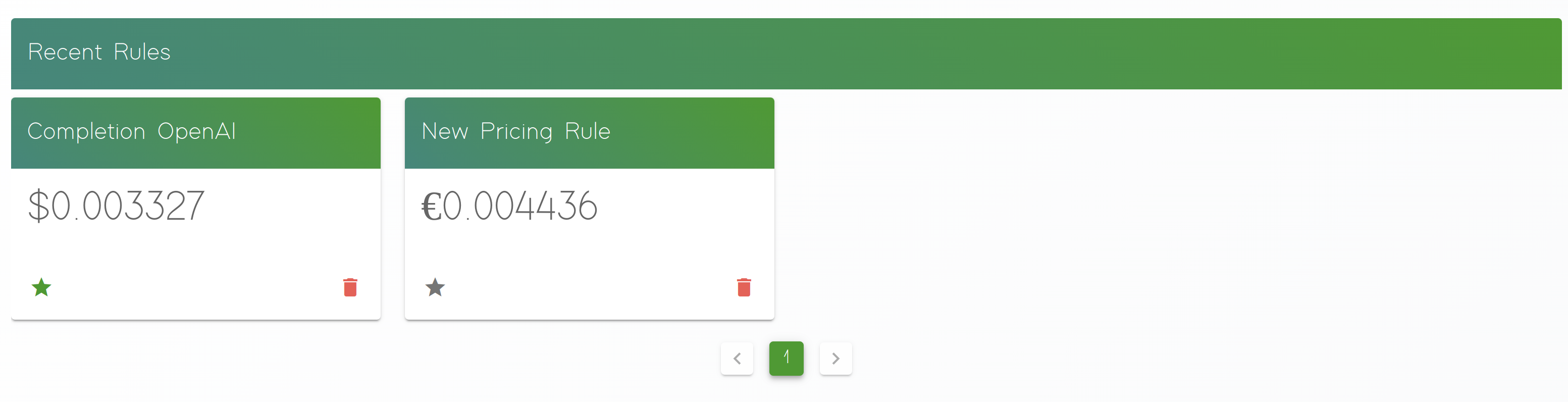
In addition prst.ai offers an ability to create your own pricing rules to track your usage and stay aligned with the total usage pricing.
## Pricing Rules
Pricing rules allows you to define a property that can be used to calculate a total price, select a way of aggregation and pricing strategy. Then the aggregated information would be visible on your prst.ai Dashboard
## Configurations
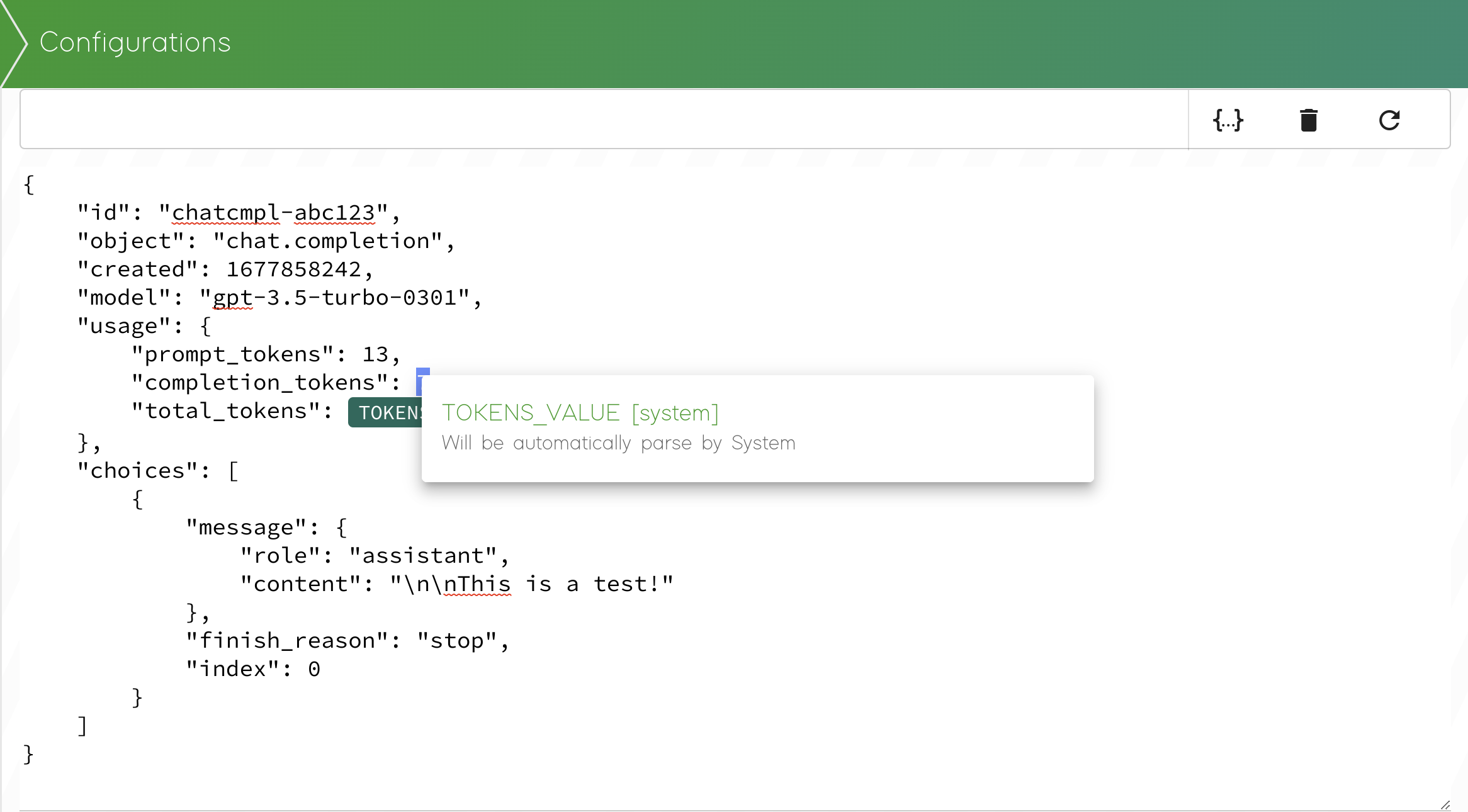
To select a propery that should be used to calculate the price you can simply assign a parameter through context menu, by selection your property and Mouse Right Click.
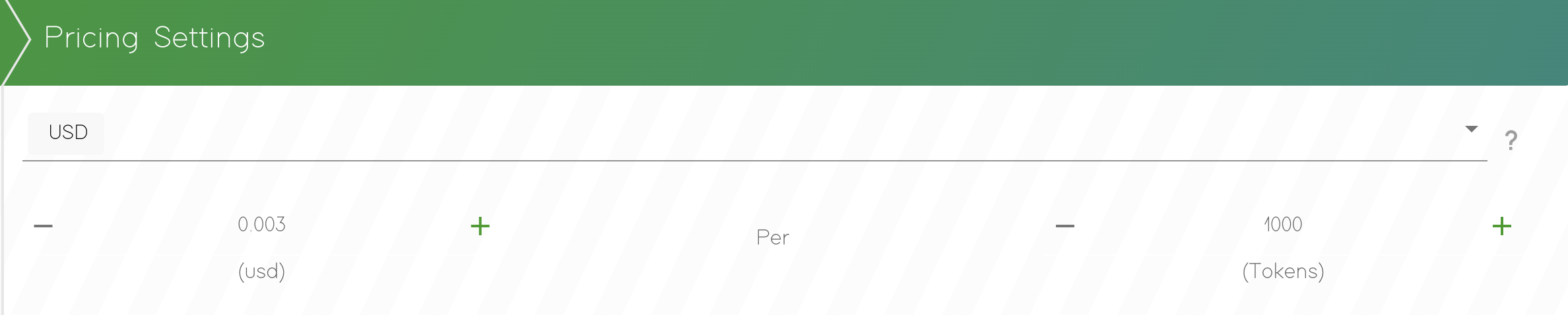
Then it's possible to define the pricing for executions. Depending on your AI provider you can define a custom options.